
To build the absolute cheapest price to performance DDR4 gaming PC using only integrated graphics without a GPU. your optimal strategy is to hunt for a mix of used core components (like the CPU and Motherboard) and new, reliable budget parts (like the storage and power supply)
Between your two best APU choices the AMD Ryzen 5 2400G and AMD Ryzen 5 3400G, the 2400G is the winner for a rock bottom budget build. Because it delivers roughly 95% of the gaming performance of the 3400G but can be found significantly cheaper on the second hand market (often around $25–$40 compared to the 3400G’s $70+), it offers a far better price to performance ratio.
This DDR4 PC Gaming Build is a rock solid, super budget setup custom tailored to deliver smooth, high frame rate performance in games without a GPU.
The Best Operating System
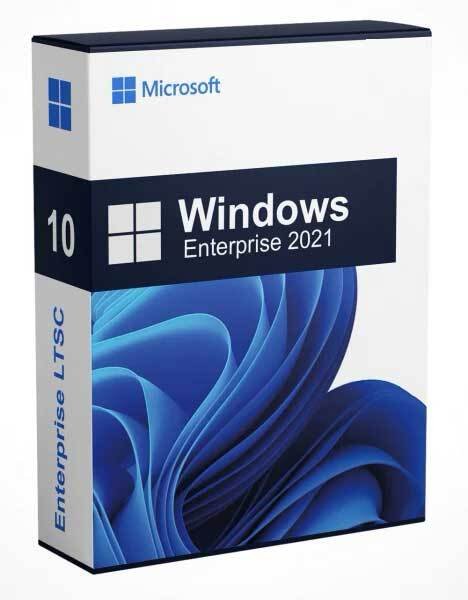
Windows 10 IoT Enterprise LTSC (Long Term Servicing Channel) is the absolute best, most elite Operating System choice for your ultra budget eSports Build.
Standard consumer operating systems like normal Windows 10 Home or Windows 11 are packed with modern background telemetry, advertisements, and automatic system tasks that will severely bottleneck your AMD Ryzen 5 2400G.
Why Windows 10 IoT LTSC is a Game Changer for This Build
It Frees Up Your Strict 16GB RAM Budget
Normal Windows 10/11 Home uses roughly 3.5GB to 6GB of RAM just sitting completely idle on your desktop, leaving very little room for your games.
- The LTSC Difference: Because it is designed by Microsoft for enterprise, medical, and industrial systems (like ATMs and kiosks), it strips out all consumer bloatware. There is no Cortana, no pre installed Candy Crush, no Xbox Game Bar overlays, and no heavy telemetry tracking.
- The Result: Your idle memory footprint drops drastically, giving games maximum access to your 16GB dual channel RAM kit, significantly reducing hardware stutters.
Total Elimination of Update Lag in Mid Match
There is nothing worse than having Windows suddenly decide to download a 3GB feature update or run an aggressive background virus scan right while you are in a clutch round of an eSports match.
- The LTSC Difference: Windows 10 IoT Enterprise LTSC receives zero feature updates. It only downloads critical, lightweight monthly security patches. The code stays completely static, meaning your gaming performance remains perfectly consistent day after day, year after year
Low CPU Overhead for the AMD Ryzen 5 2400G
Your AMD Ryzen 5 2400 is a quad core processor. Modern Windows 11 tasks and AI features will easily peg your CPU usage to 100% before you even launch a game. By deploying IoT Windows 10 LTSC, background CPU background cycles hover close to 0% at idle, ensuring that your entire processor’s power is dedicated entirely to running game physics and processing high frame rates.
Extended Support Until 2032
Normal Windows 10 reached its official End of Life in October 2025. However, the IoT version of Windows 10 LTSC is officially supported by Microsoft with security patches until January 2032. This means your super budget PC will stay fully secured and optimized on the web for years to come without forcing you to upgrade to a newer CPU.
Processor (CPU): AMD Ryzen 5 2400G
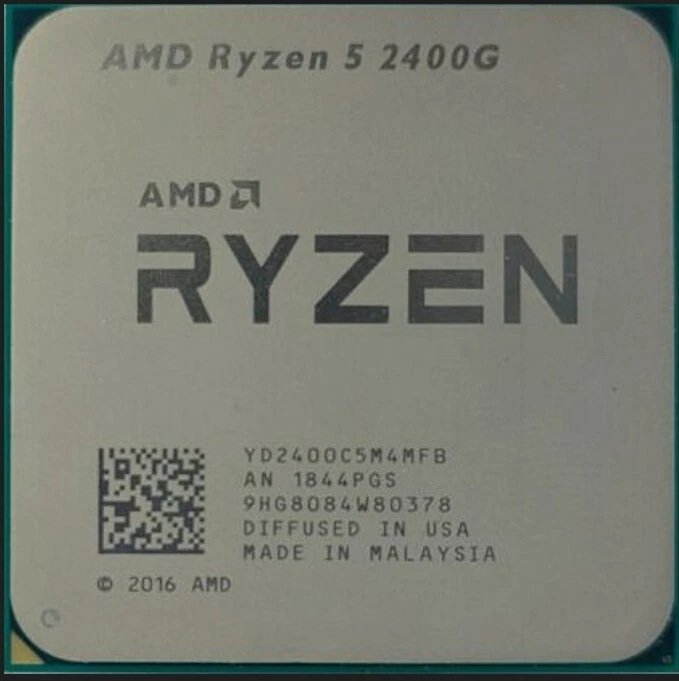
The AMD Ryzen 5 2400G is the processor that completely revolutionized budget PC building. Released under the Raven Ridge architecture, it was the first chip to combine a highly capable quad core desktop processor with an integrated graphics engine powerful enough to entirely replace a standalone budget graphics card
What Makes It So Special for a No GPU Build?
- Near-Identical Performance to the 3400G: The newer Ryzen 5 3400G is only roughly 5% to 8% faster. Because the 2400G uses the exact same Vega 11 graphics engine block, you can easily close that performance gap completely by applying a minor overclock to your memory and graphics clock.
- The Cost to Performance Savior: Because it is older, its price on the second hand market has entirely bottomed out. It allows you to build a fully capable gaming machine for next to nothing.
- Fully Unlocked Customization: Both the CPU cores and the Vega 11 graphics layout are fully unlocked. If you place this chip into a B350M or B450M motherboard, you can manually fine tune its performance freely.
Motherboard: ASUS PRIME A320M-F
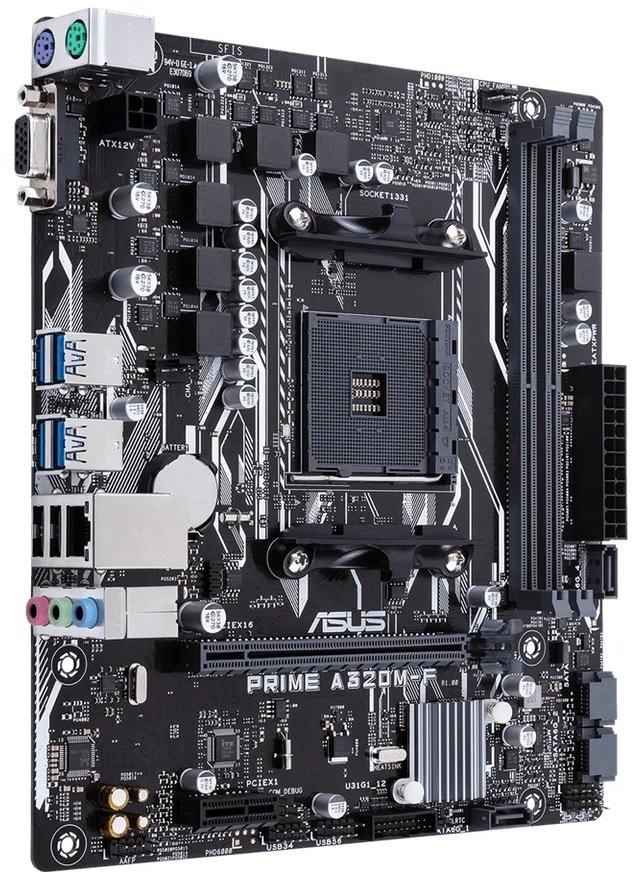
The ASUS PRIME A320M-F is a highly capable choice for a budget build, but it has one critical hardware limitation that you must be aware of before finalizing your purchase: it completely lacks an M.2 NVMe SSD slot.
Why It Works Well for Your Build
- Natively Boots Your Choice of CPU: Unlike modern A520 boards, the A320 chipset officially and natively supports the architecture inside the Ryzen 5 2400G right out of the box. You won’t face any post or boot failures.
- Full RAM Speed Support: Even though it is an entry level motherboard, its memory controller handles DDR4 RAM up to 3200MHz (O.C.). This allows you to safely toggle the XMP/DOCP profile in the BIOS to feed the Vega 11 graphics engine the speed bandwidth it needs to run modern games smoothly.
- Solid Long-Term Reliability: As part of the ASUS Prime ecosystem, it features 5X Protection III hardware safeguards. This includes overvoltage protection, a reinforced PCIe steel slot to safely handle a dedicated GPU later, and a highly stable DIGI+ VRM power controller.
Disadvantages to Keep in Mind
- SATA Storage Only: Because there is no M.2 slot anywhere on the board, you cannot use an NVMe M.2 SSD. You are strictly limited to using standard 2.5-inch SATA III Internal SSDs or traditional hard drives via the 4 available SATA ports.
- Only 2 RAM Slots: It features 2 DIMM slots instead of 4. This means if you buy a 16GB kit (2x8GB sticks) to enable dual channel gaming, you will have to completely remove and replace those sticks later if you ever want to upgrade the PC to 32GB of RAM.
- Strictly VGA Video Output: The motherboard’s built in video display output connector is a single VGA port. It does not have an onboard HDMI port. Because of this, you must make sure your monitor supports a VGA analog cable, or you will need to purchase a cheap VGA to HDMI active adapter accessory to hook up a modern screen until you add a dedicated graphics card later.
Memory (RAM): 16GB (8GB x 2) DDR4 3200MHz
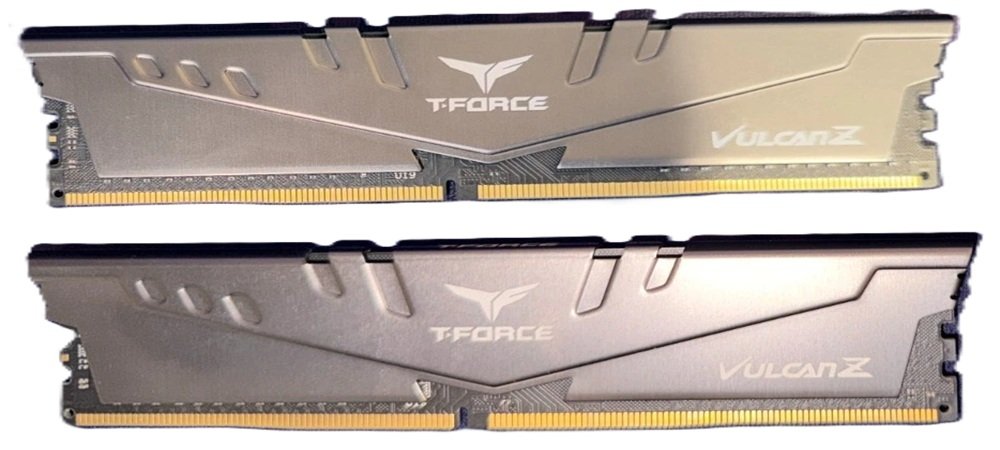
Choosing a 16GB (2 x 8GB) DDR4 3200MHz RAM kit is the single best decision you can make for this build. Because your Ryzen 5 2400G relies entirely on system RAM to act as its video memory (VRAM), this specific memory configuration will directly unlock the chip’s full gaming potential.
When shopping for this kit on Amazon or Ebay, try to look for a CL16 specification. CL stands for CAS Latency. Lower numbers are faster, and CL16 provides excellent, snappy responsiveness for games without adding to the cost. Reputable, budget friendly brands to look for include Teamgroup T-Force Vulcan, Corsair Vengeance LPX, G.Skill Ripjaws V, or Silicon Power Value Gaming.
Power Supply: EVGA BV 450W 80+ Bronze
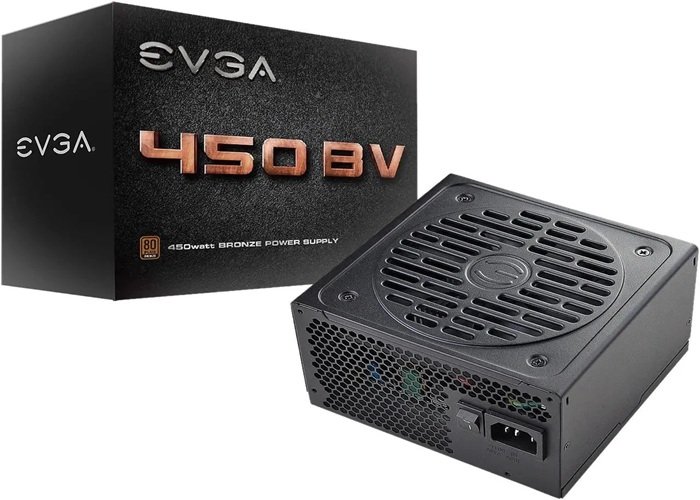
The EVGA BV 450W 80+ Bronze is a good, safe, and highly reliable entry level power supply that will work flawlessly for your no GPU budget build. EVGA is an established, trusted brand, and using a certified unit like this completely avoids the dangers of generic unbranded power supplies.
Your Ryzen 5 2400G system with an ASUS A320M Motherboard, 16GB RAM, and a 2.5-inch SATA SSD will only draw about 100W to 120W under maximum gaming load. This gives you over 300 watts of comfortable safety headroom. It includes two 8-pin (6+2) PCIe connectors. This means that when you are ready to buy a dedicated budget graphics card later (like an AMD RX 6600 or NVIDIA RTX 4060), this power supply already has the exact cables needed to plug directly into the card.

- EVGA 450 BR – “Bronze reliability”
- 80 plus Bronze Certified, with 85% efficiency or higher under typical loads
- Heavy-duty protections, including OVP, UVP, OCP, OPP, SCP and OTP
Storage: 2.5-Inch SATA III SSD 512GB

A 512GB 2.5-inch SATA III SSD is the absolute perfect choice for this specific build because your chosen motherboard, the ASUS PRIME A320M-F, physically lacks an M.2 NVMe slot. Going with a SATA III drive means you are getting maximum compatibility out of the box while saving cash.
Is 512GB Enough? Yes, it is the exact sweet spot minimum for a ultra budget build. Windows takes up about 20GB, leaving you over 450GB of usable space. This is plenty of room to comfortably hold your operating system, daily apps, web browsers, and about 3 to 6 major live service or competitive esports games (like Valorant, League of Legends,CS2, Fortnite, and GTA V) all at the same time.

- Superfast Speed — Optimizing SATA 3.0 technology to exceptional 500/450MB/s read/write speeds, this internal solid sta…
- Reliable Performance — World’s TOP3 flash memory chips combined with premium ABS casing, this SATA III SSD features ex…
- Wide compatibility — This SATA 2.5” internal solid state fits most desktops, PCs, and laptops, supporting major operat…
Final Thoughts
By bringing together the AMD Ryzen 5 2400G, ASUS PRIME A320M-F, 16GB of DDR4 3200MHz RAM, the EVGA BV 450W power supply, and a 512GB 2.5-inch SATA III SSD, you have successfully mapped out the ultimate price to performance blueprint for a rock bottom budget gaming PC. Selecting the 2400G gives you roughly 95% of the graphical power of the more expensive 3400G at a massive discount, and using the ASUS A320M-F ensures 100% stable compatibility out of the box.